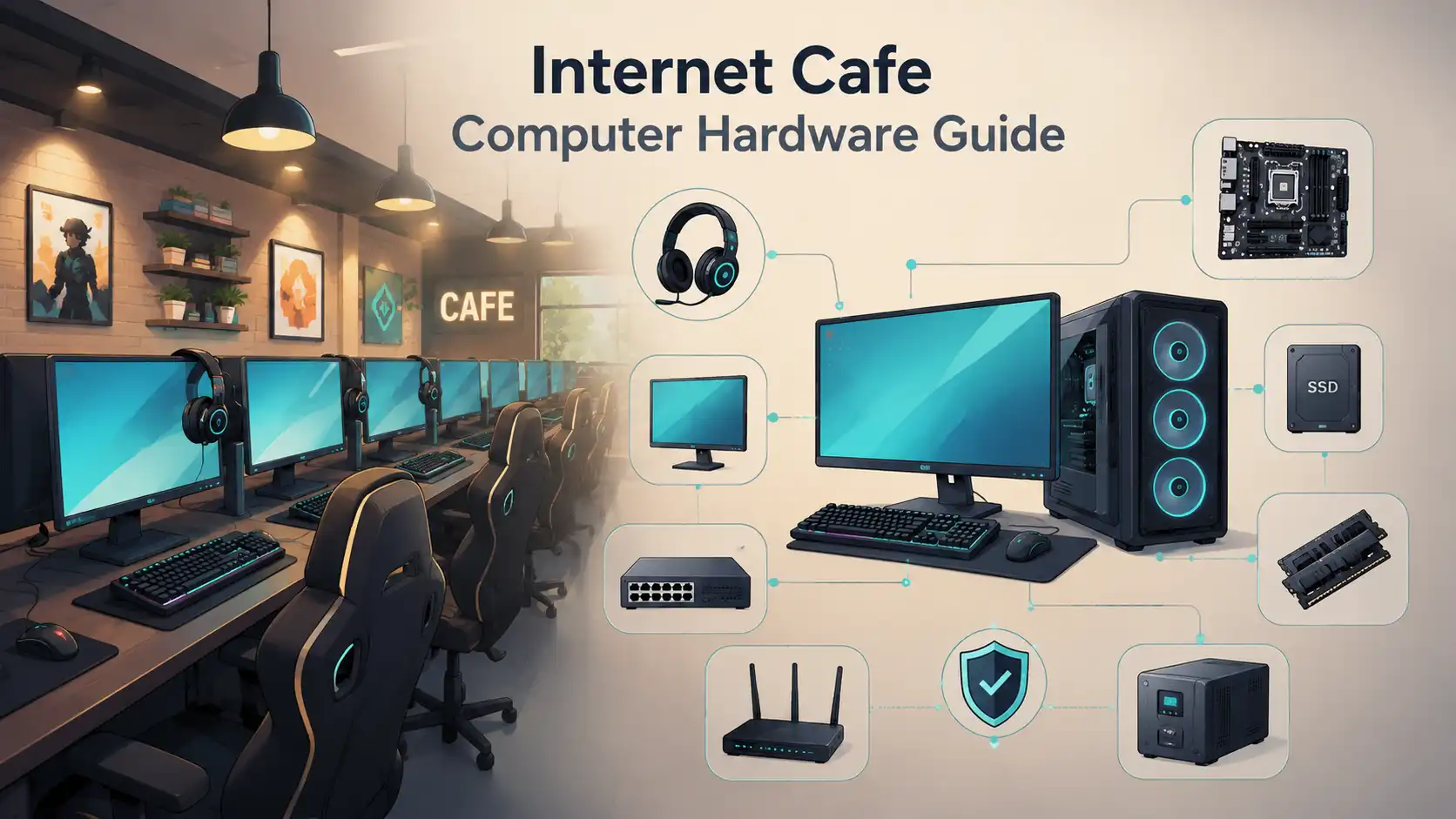
Start from the type of venue
There is no single hardware spec for an internet cafe, because a browsing room and a game center ask very different things of a computer. A venue built for email, documents, and light web use runs comfortably on modest machines. A venue built for current games needs far more at every seat. Deciding the venue type first keeps the budget honest, since it is easy to overspend on power a browsing cafe never touches, or to underbuy for a gaming crowd that walks out when the frame rate drops. The notes below cover the common parts and the trade-off behind each one.
Client PC essentials
- A processor sized to the workload, from a basic chip for browsing to a fast one for games.
- Enough memory for the operating system and several open programs without slowdown.
- A solid-state drive for quick boots and fast session resets.
- Integrated graphics for browsing seats, or a dedicated card for gaming seats.
- A monitor matched to the seat, with a higher refresh rate reserved for gaming.
- A keyboard, mouse, and headset chosen for daily abuse rather than home use.
The server, network, and diskless option
Behind the client machines sits the part customers never see. Most venues run a counter PC or a dedicated server for billing, accounts, and control, together with a router, a managed switch, and structured cabling to every seat. The network is worth spending on, because lag and dropped connections are felt at every station at once. Gigabit wiring is the common baseline. Larger or gaming-heavy venues often go further. Some skip local drives entirely and boot every client from a central image, which is the diskless approach covered in its own guide. A diskless setup can simplify updates across many identical machines, though it leans hard on a strong server and a fast network.
Peripherals, furniture, and the counter
- Headsets with a microphone for voice chat, sized for comfort over long sessions.
- Chairs and desks that hold up to constant use and are easy to clean.
- A printer, scanner, or card reader if the venue sells those services.
- Webcams only where customers need them, since they add cost and support load.
- A front counter with a receipt printer, a cash drawer, and a staff monitor.
Power, cooling, and reliability
A room full of computers is a heat and power problem before it is anything else. The electrical supply has to carry every machine, the monitors, the network gear, and the air conditioning at the same time. Undersized wiring trips breakers during the busiest hours, which is the worst time to lose the floor. Cooling matters as much as power, because heat shortens the life of every component and slows gaming machines that throttle when they get hot. Dust is the quiet killer. Regular cleaning, tidy cable runs, and a battery backup on the server protect the parts that are hardest to replace in a hurry.
Security and recovery hardware
- CCTV cameras positioned to cover the floor, the counter, and the entrance.
- Lockable or secured cases so client hardware cannot be opened or removed.
- A tidy network layout that keeps the counter and server off the public segment.
- Spare monitors, drives, and peripherals so a failure does not close a seat for days.
- A backup of the server and configuration kept somewhere off the main machine.
New hardware versus used
New and used hardware both have a place in a cafe build. New gear brings warranty cover, matched machines, and a clear upgrade path, at a higher upfront price. Used gear can stretch a tight budget and works well for browsing seats, though it carries more risk of early failure and mismatched parts. A common middle path puts new machines where performance matters most, such as gaming seats, and carefully chosen used machines on the lighter stations. Whatever the mix, buying a few identical spares at the same time makes support far easier later.
Questions before buying hardware
- Does each seat's spec match what customers will actually run on it?
- Is the network built to handle every seat at peak, not just a quiet afternoon?
- Can the building's power and cooling carry a full floor for long hours?
- Are there matching spares for the parts most likely to fail?
- Is there a clear plan to reset, patch, and recover a client PC quickly?
Frequently asked questions
What computer specs does an internet cafe need?
It depends on the venue type. A browsing cafe runs well on modest machines with a fast solid-state drive and enough memory for several open programs. A game center needs a strong processor, a dedicated graphics card, and a high-refresh monitor at every seat.
Do internet cafe computers need graphics cards?
Browsing seats run fine on integrated graphics. A dedicated card is not required for web use and office work. Gaming seats need a dedicated graphics card sized to the titles on offer. Matching the graphics to the workload keeps the budget honest.
How many computers can one server handle in an internet cafe?
That depends on the server hardware, the network speed, and whether the setup is diskless. A strong server with a fast switch can support a large floor, while a modest counter PC suits a handful of seats. Size the server and network to the planned seat count, not the current one.
Should I buy new or used computers for an internet cafe?
Both work. New hardware brings warranty cover, matched machines, and a clear upgrade path at a higher price. Used hardware can stretch a tight budget on browsing seats, though it carries more risk of early failure. A common approach puts new machines on gaming seats and used machines on lighter stations.