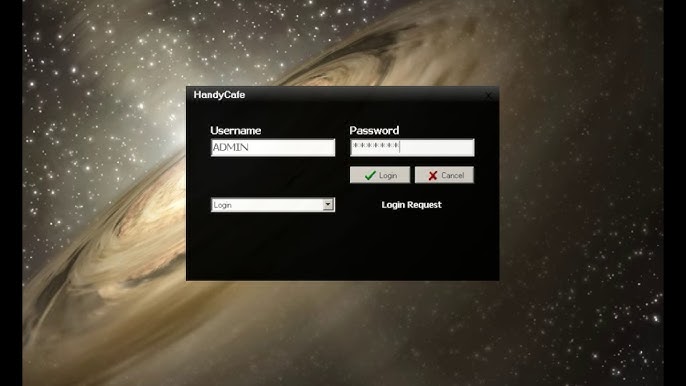
HandyCafe Internet Cafe Software Guide

Where HandyCafe still fits

  • Small internet cafes that already run HandyCafe and would rather not switch mid-season.
  • Owners on a tight budget who want a paid product rather than a free tool.
  • Venues with simple time billing and a modest client PC count.
  • Operators who want the current setup documented before any migration.

Features to check on an existing install

  • Session timing, prepaid codes, member accounts, and how balances expire.
  • Client lock screen behavior after a timed session ends or a PC reboots.
  • POS entries for drinks, snacks, printed receipts, and prepaid time.
  • Report totals for time sales, product sales, refunds, and end-of-shift cash.
  • Compatibility with the current Windows version on the server and the clients.

Questions before staying on HandyCafe

  • Does the installed version still receive updates that matter for security?
  • Can staff recover a frozen client PC quickly during busy hours?
  • Are configuration files, the database, and installer files backed up in a safe place?
  • Would a new payment or tax rule force a move to newer software before long?

Related guides